First of all never use ai for these things, so many people get bricked like that
My more noob advice is reflash your super
some system apps are needed
Maybe someone else knows how to get rid of said apps a better way
Edit: just realized this is not the thread I though it was… I don’t know a thing about kyoceras… If my advice is irrelevant lmk
You’re probably right that flashing super should fix. I assume this is vbmeta? @ars18 will probably know better but I assume you never flashed an empty vbmeta which checks upon booting that system isn’t modified. Flashing an empty one should fix it
I’ve gotten the phone successfully rooted, but had issues when I tried to install Riru (I’m going a different route than BenTorah , more along the lines of what @Creed suggested). Unfortunately, after I used the already patched boot.img from @sh7411usa , WiFi fails to work on the phone, which is making installing things on it more difficult than it has to be.
I’m trying to go back to stock and patch the image myself from there. I’ve downloaded the binfile66.bin, but it’s 1.4gb and I’m not sure what to do with it. If anyone could help me in this area, it would be much appreciated!
It’s worth noting that the E4810 also runs a Kyocera-flavored Android 9 Go. As far as GMS/PlayStore is concerned, this is controlled by the ro.config.low_ram prop as identified by the 100300 vs 110300 GMS version variants - the latter being “minimalized” for Go.
I haven’t looked into the Cat implementation yet. I’d be surprised if it doesn’t just trick the system into thinking it’s non-Go, as I’ve attempted.
As far as I’ve seen, the installation script already handles for lower API versions and considers the older partition layout. I don’t think much has changed from 9->11 in that sense.
And the phenotype database already targets the latest GMS versions…
That is very strange. Try patching it yourself. It’ll take a while and appear to be hanging, but just let it do its thing and after time it’ll finish (took over 15 minutes IIRC).
I have linked the stock boot.img for download in my original post, here:
Welp, I bricked one of the phones that I have. I’ve posted more about it here to avoid clogging up the thread. I’ve had issues with WiFi not working after root on other phones before, which I believe was caused by a mismatch between the modem files and the boot.img. So I tried flashing the modem files from the linked stock ROM, but that ended up bricking the phone. Fortunately, it was a spare phone that I got from a friend for experimentation, but I can’t test out anything on it in its current state.
OK everyone, small update. I’ve been able to successfully install microg using fakeGapps & LSposed (EdXposed cannot be installed, as it relies on Riru, which crashes the phone on boot when I attempted to install it). I was able to install YouTube Music and log into my account. Haven’t tried Android Auto yet, but will work on that next.
Since I still cannot edit my original post, this is a best effort.
I now have enough data points to append the following detail to the existing disclaimer:
By unlocking the bootloader, there is a rare chance that your battery becomes permanently bricked. The effect isn’t immediate - and it doesn’t occur right away.
Yes, your battery. I’m unsure what triggers it at the moment. Symptoms include bootlooping. Symptoms include bootlooping.
So here’s the latest update for Android Auto on my end:
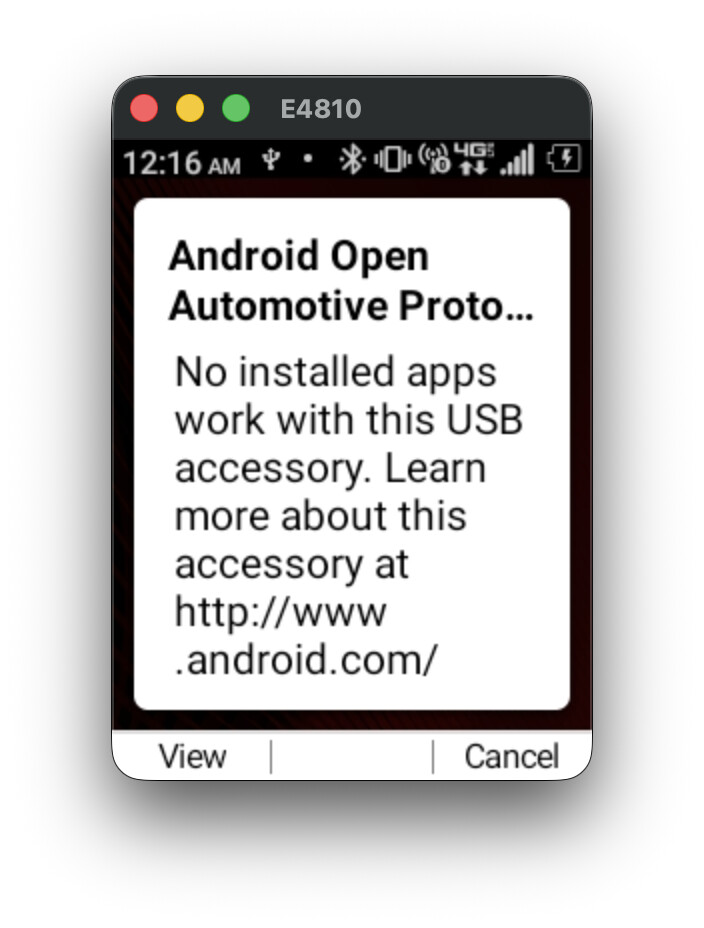
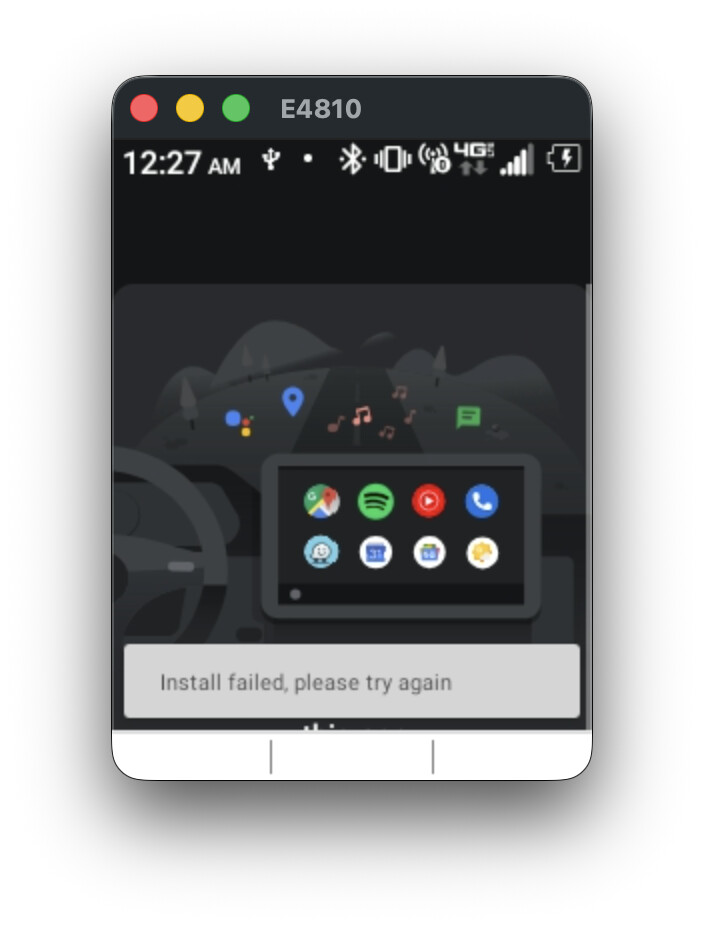
Currently, I have microG setup and fakeGapps through lsposed. This works, and I can sign in to most apps using my Google account (tested: YouTube Music, Google Voice, Calendar, Messages, Drive, but for some reason Contacts doesn’t sync, even though I can sign in). I’ve been trying 3 different Magisk modules to get android auto to work. Without any apps or modules installed, if I plug in my phone to the Desktop Head Unit on my Mac (or my car), it pops up this screen:
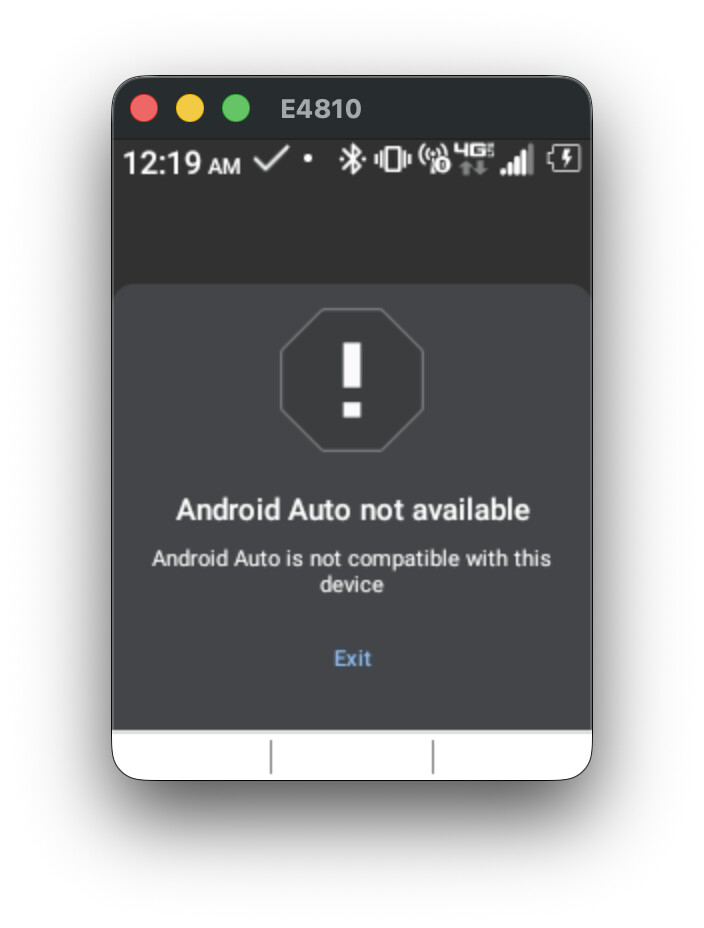
Now, with aa4mg or this other module that was used successfully for the TCL Flip 2, with just the stubs installed and nothing else, I get to this screen, which is more promising:
However, if I then go to the Aurora store and update the stub to the latest Android Auto (with Aurora installing as root), and try plugging back in to my desktop head unit, it just shows the original screen again:
I find this very strange. I feel like I’m getting close here, but I need some help in understanding what’s going wrong here- why does installing the Android Auto app make it go back to saying that there are no available apps for this USB accessory?
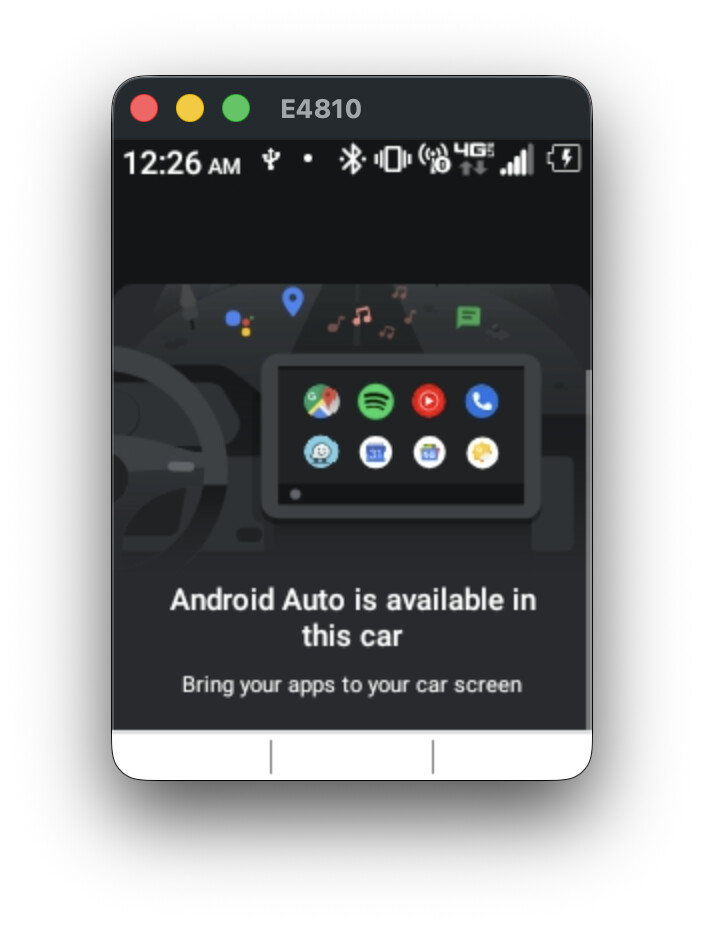
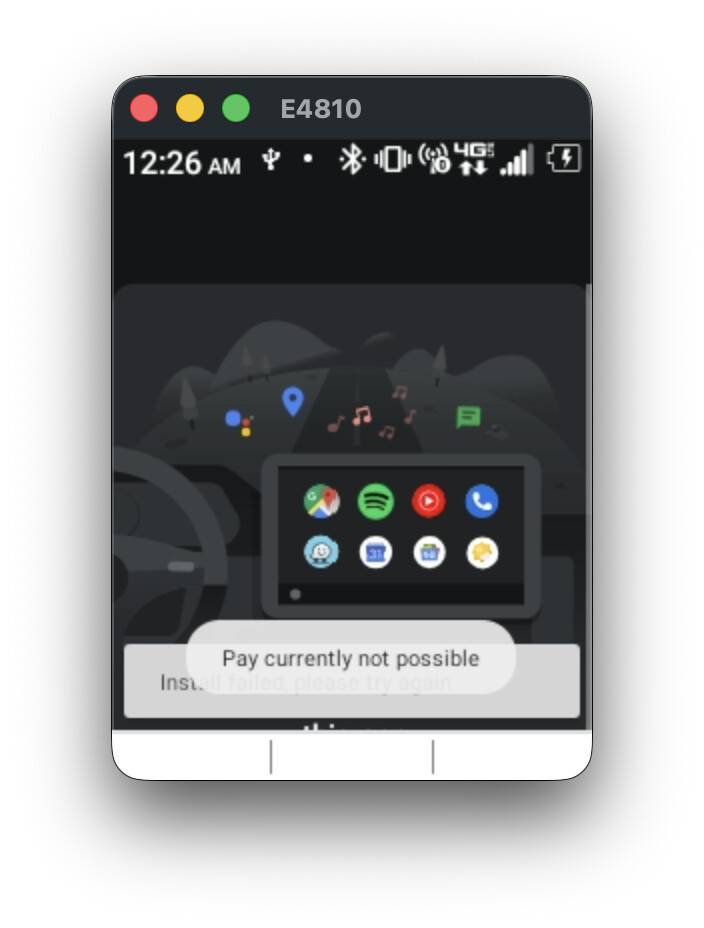
Oh, and lastly, the most promising module is the one for the CAT S22; with that one I get all the way to this screen, before installing any apps:
And once I actually install the Android Auto app, it just goes back to that original “no available apps for this USB accessory” screen, like the other 2 modules.
If anyone has any suggestions on where to continue from here, they’d be greatly appreciated!