It’s there for a reason
Will take a look at it
Why?
It’s a great phone app!
But another bug I noticed is that there is always a non-removable notification on the top of the screen from this phone app (even not during calls)

. (On a qin)
Toggleable in settings, it’s to not let the app get closed and miss phone calls
Correct. Turn.it off for now and see if have have a problem with incoming calls not showing up
The loading on the recent screen is quite slow any way to speed it up?
Mine is basically instant
Sorry to bother I’m kinda new at this is there any way to install this on a quinn f21 without a computer like thru my manager or can you make it in to a apk?
Use this link to download the apk https://github.com/puretech10952/TiQ-M5---QIN-F21-T9-Dialer-App/releases/download/v0.9.4/M5-F21-Dialer-0.9.4.apk
If your phone allows you to download apks it’s as simple as opening the Apk in file manager and pressing install.
Wow thank you so much I thought it needed flashing
1 Like
Great app 5 stars it’s awsome fast!!
1 Like
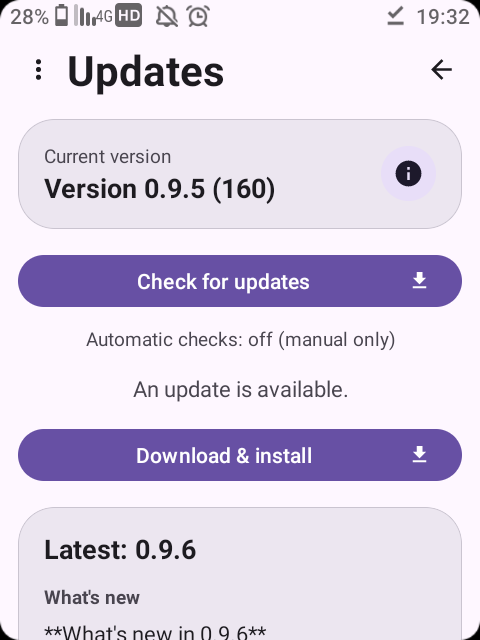
 PureTech Phone — v0.9.5 is out!
A new update for the T9 dialer (TiQ Mini M5 & Qin F21) is now available.
What’s new in 0.9.5
 Call volume with the up/down keys — adjust the volume during a call using the D-pad. Works on the earpiece, speaker and Bluetooth, even when the screen is off.
 Cleaner in-call menu — icons and a rounded, modern look, with the active audio route highlighted.
 Bolder red End Call button.
 Coloured call arrows in History too — incoming (blue) and outgoing (green), missed stays red.
 Contact photos fixed — pictures now show up and fill properly in recents and on calls.
 Frequently-called contacts appear higher when you start dialling.
 Favourites stay in sync with your Contacts.
 Call history — the Call button moved to a handier spot on the right.
 Voicemail (experimental) — a new opt-in Visual Voicemail screen in the side menu. Turn it on if your carrier supports it.
Download
 Release page: Release v0.9.5 · puretech10952/TiQ-M5---QIN-F21-T9-Dialer-App · GitHub
Direct APK: https://github.com/puretech10952/TiQ-M5---QIN-F21-T9-Dialer-App/releases/download/v0.9.5/M5-F21-Dialer-0.9.5.apk
Already on a previous version? Just open the app’s menu → Check for updates and it’ll update itself.
Enjoy, and feel free to report any issues here. 
4 Likes
Thanks 


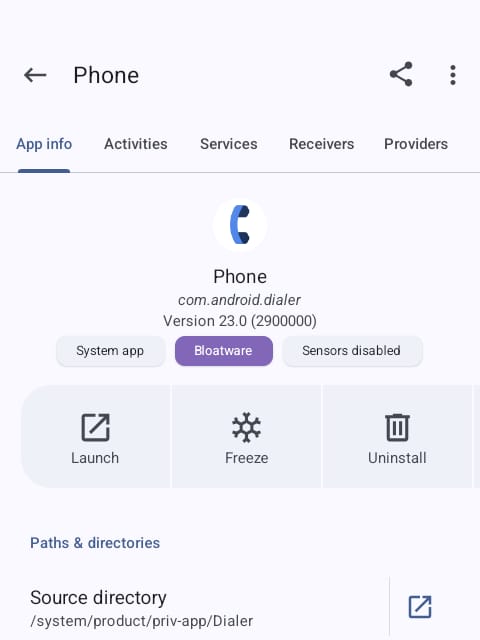
Can you make a module that replaces stock dialer?
I have dumber os on the Tiq, what info do you need to make the module?
Edit:
Temporary fix for Call button to open recent calls is by long pressing the Send/Call button from the Home screen.
Suggestion: when making a call without available service it should show a message that there is no service instead of just closing the call
1 Like
Also using lawnchair double tap home screen to turn off screen ends call. Doesn’t end call from other phone apps
1 Like
Was there anyone that tested virtual voicemail?
on my end it’s not working And I’m using regular Verizon