Surprisingly… yes!
Yeah actually
Ok, will write it up soon.
2 Likes
Ok
We updated most domains nameservers to cloudflare for easy management. After the dns is managed through it is simple to migrate the actual domain to Cloudflare.
There was one domain that had Google Workspace through Wix, based on Wix support site it seemed that if we cancel the Google Workspace subscription that the entire domain will be cancelled. After speaking to them they said that I can safely cancel Google Workspace and the actual domain will not get cancelled (I do not remember why we just moved the domain to cloudflare right away).
For another domain that was under Squarespace with Google Workspace we cancelled Google and were able to set up billing directly with Google. We cancelled the subscription a day before the renewal so that we don’t have to pay twice (one for Google and one for Squarespace).
We then defederated a Microsoft account that was under GoDaddy to Microsoft direct. There were some minor issues but that is expected with GoDaddy…
At this we have all accounts either under Microsoft direct and under Google direct, and we have all but 2 domains managed through Cloudflare and a few of the domains are already fully with Cloudflare. The 2 that we need access to are 2 ABA companies that this company acquired and it is a game of cat and mouse to get hold of them. The owner of the company said that he will take care of it (famous last words).
Now this company called us that for the past few months they were customizing Zoho for their internal crm and want our help, they spent close to $50k customizing it and want to implement it. The original plan was that no one will use the parent company email address till all emails are migrated and set up. We original planned to create all mailboxes, migrate all mailboxes from all domains and set up a forwarding rule so all email that is still being routed to the domains should come to the parent companies email address. Once this is done we will give them access to it and remove the forwarding rule and slowly cancel the accounts.
Now that the user wants to start with Zoho he wants to use the parent companies email addresses (that are not even created…). We quickly create all email addresses that he wants (after deliberating they decided that all men will have their email like so FirstName@parent.com and all women will have FirsInital.Lastname@parent.com).
We then had to send all users their login info to the new domain and make sure that all users have 2fa (worst thing is to troubleshoot authentication with remote employees that are tech illiterate…). After finally getting all users their login to parent company email, we had to have a meeting with the client to see what permissions each user will have in Zoho and the other company that set up zoho took care of it.
Remember that the migration still did not start but they are now using the new parent company email address
The client also decided that he will move all of his phone numbers that he has directly with us. This started an entire process of releasing the numbers and submitting a port out request. We then had to set up the Auto Attendant for the phone line and set up all users with extensions and ring groups. Like for intake it should ring to these few extensions etc.
He also wanted the phone calls to be logged into zoho. Our softphone did not support that so we set up Ringotel softphone, Ringotel had an api that can do it so we created all users in Ringotel and sent an inite for all users. We had to install it for all computers and then authorize Ringotel in Entra so that it can connect. There was an issue that only the admins in Zoho were able to connect Ringotel to Zoho. After looking through all permissions we found the issue and it started working for all users.
I need to go now, will continue a little later or a different time.
5 Likes
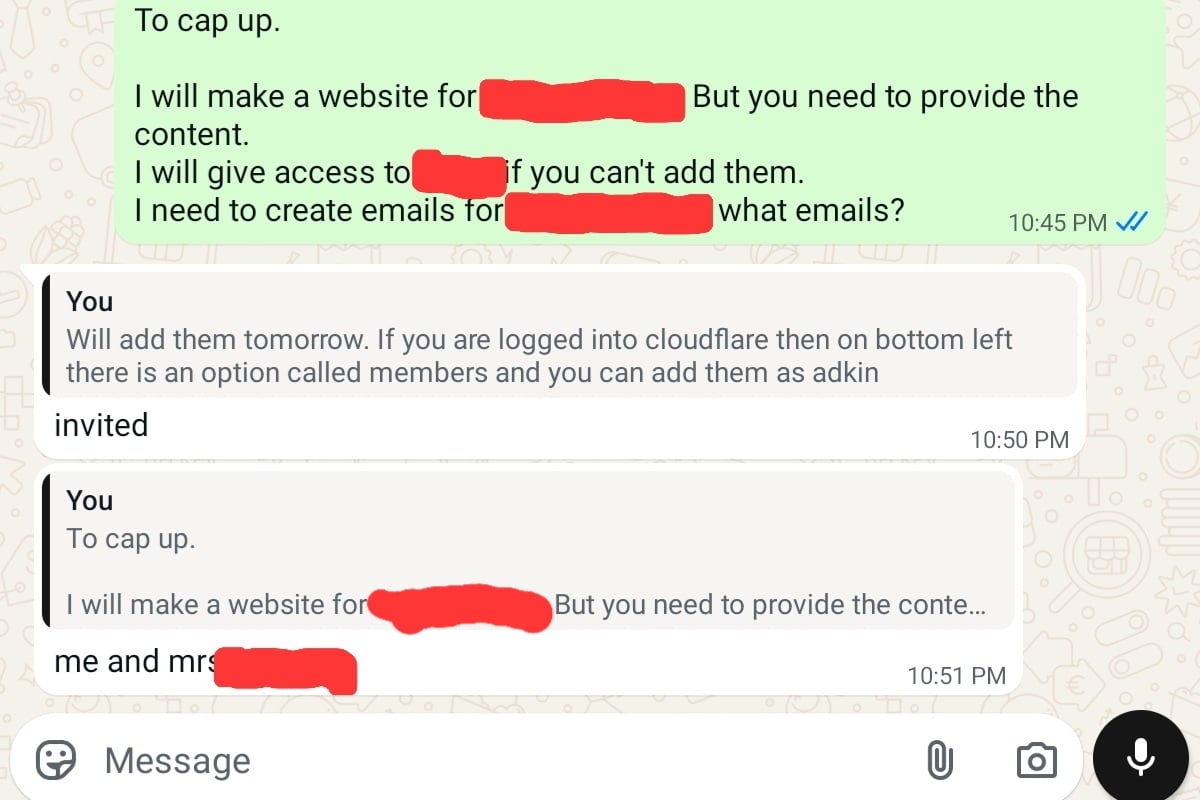
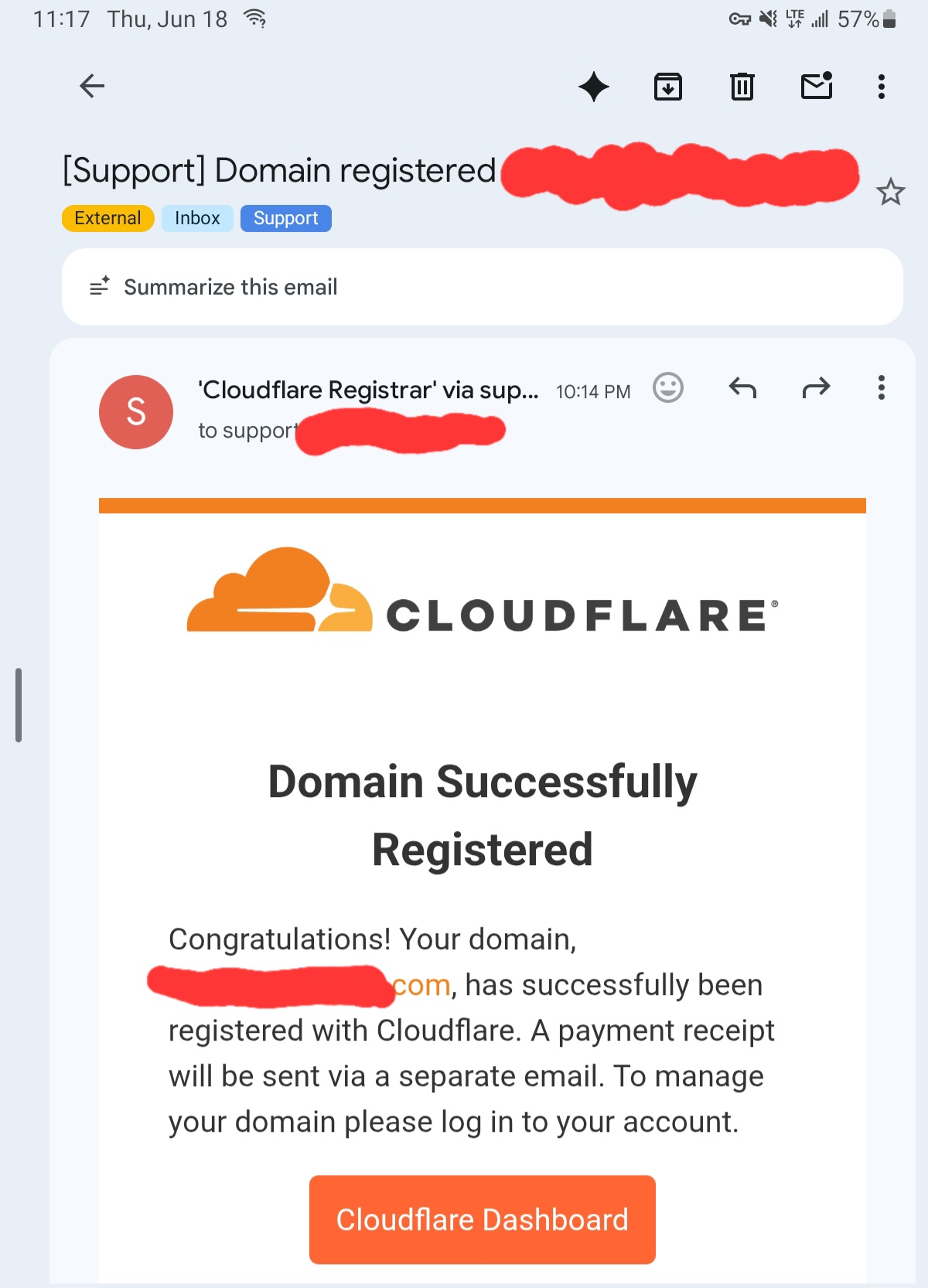
This client just bought another domain and needs a website and 2 emails…
Never a quiet day.
2 Likes
We then started with the migrations. We took a domain that had just 3 users and verified the domain in microsoft. We set up exchange email migration and connected to the Google account, there was an issue with creating a key in Google cloud console so we updated the settings to llow it.
The actual migration is very straightforward and we just had to make a list of the source and target email address. We were debating the best way to have the domains added to the Microsoft account and in the end we settled on making all of the inboxes from all domains as shared mailboxes for a few reasons. There are a few cons and I will spell them out and explain our thought process.
We originally thought that we will that we will just migrate all emails to each mailbox and apply labels for all emails from each domain so that the user can see where each email was sent to. For example all sent email from 1 domain will have a label “domain1-sent” and so on for incoming and so on for all domains. The user will need to select when sending an email from which inbox to send from and also the signatures won’t work automatically.
So we decided to use shared mailboxes and it has many benefits. from the users end they will log in to their email and they will have to add the shared mailbox only once to the account and in the future it will show automatically. with shared mailboxes I can set that all sent emails should be in the sent folder of the shared mailbox. We did have an issue that the user will still need to select the from address each time and select the signature manually each time. Our workaround is to have the user click on their profile picture and select open another mailbox and add the shared mailbox there. There are a few benefits to this, first they do not need to select the from address each time, secondly the signature gets added automatically.
The benefit of having it all in one page is that you can see emails form all domains in one place but you will manually need to select the from and signature each time. We showed the users the pros and cons of each and everyone can choose what they prefer. most opted to do the open another mailbox setting, and for them we set each mailbox as a bookmark and for some we made that all emails should open by default each time that they open the browser. (remember till now that had to sign in to a few different accounts each day, here they only sign in once to the parent company domain).
We did have an issue though with shared mailboxes, if a users email address is ari@parent.com then I cant create a shared mailbox with the name ari@seconddomain.com, it says that the name is already in use. So we had to create a licensed user called ari@seconddomain.com, wait for the mailbox to be created and then convert to a shared mailbox and remove the license and do it for the next. once we had all shared mailboxes from the domain created we started the actual migration. once we confirmed that all emails are migrated, we sent a message to all users with instructions on how to add the mailbox as a shared mailbox and after a day we changed the domains mx record from Google to microsoft so all new email should land in the shared mailboxes and we then ran a delta migration so all email sent form first migration till the mx record was updated should be migrated as well.
There were some email addresses that had aliases and these were added as an alias to the shared mailbox and some google groups were also created as a shared mailbox and there was one google group that had external members and that was set up as a distribution group.
For the google drive files of each user we migrated it for now to a sharepoint site and created folders for each user and we will move over the files to their one drive.
We still need to do 2 domains but we do not have access yet to the dns records, if we don’t get access right away then we might start the migration to a .onmicrosoft domain and then update it to the correct domain when we get access, that is still to be discussed.
Some users had email addresses only on one domain and not under the parent company so we created new emails for them on the parent companies account.
Somewhere in middle they also wanted to set up a few locked down tablets for BA’s to only be able to access central reach so we had to set that up as well.
There were also some edge cases that I can’t remember at the moment but this was (and still is) a nice project.
3 Likes
A very useful tool, especially for RDP.
https://codeshare.io
1 Like
Cool, what do you mean by “RDP”?
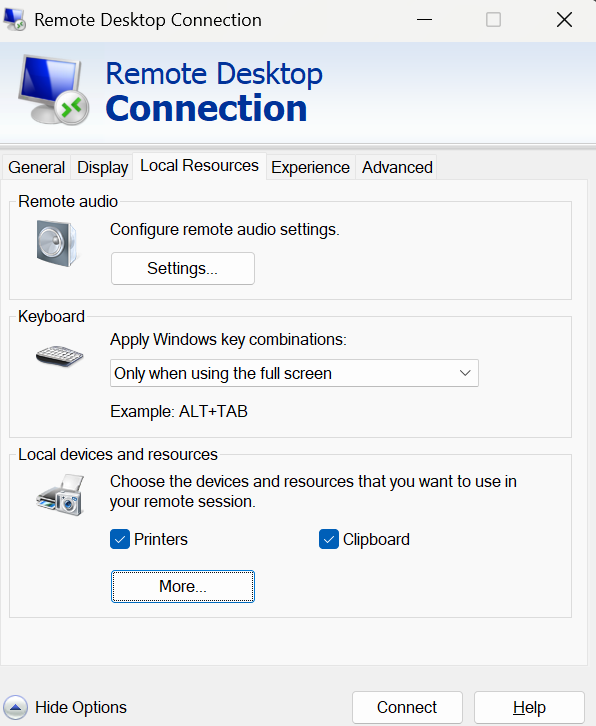
When you use RDP you can’t copy text
So we have a solution…
RDP – Remote Desktop Protocol - 3389
Of course you can, you need to make sure that clipboard is enabled on the .rdp file.
I know what RDP is…
Now summertime I am especially busy with this, because many people work remotely on Fridays.
3 Likes
Nothing put out a video of a small screen smartphone that looks cool.
It’s even cooler that such a Nothing big company is giving small screens phones some attention, except that they don’t plan on actually releasing it.

2 Likes
Yup, thread about this video is here.
1 Like
Got any solution when using guacamole? I’m sure there’s an option, just never looked into it.
Well, I had to look up what guacamole is, so…
I never used it.
Haha alright. It’s great. Pain to set up but I’ve been using it for 2-3 years. Easy to do small tasks outside the office on any machine or network and access to all vms I input.
Yeah I know I could use anydesk or whatever but I prefer rdp on any browser.
Nomachine is nice too. Easy docker container to deploy on a domain.
1 Like
I have the perfect story that happened last week that matches perfectly the xy problem https://xyproblem.info/
User calls that he wants to disable windows updates completely and asks if we can do it for him. After asking why he explains.
He has a small grocery that works through self checkout only, the computer has a lock and the pos has a lock. He gives the password to all users if needed. Many times there are updates and the computer gets locked. Now even though he gives the password to everyone, the user still needs to log in and open the los through a desktop shortcut and put in a password and some people don’t know how.
I asked him, why not just remove the computer password? If the computer reboots it will just log in automatically! I then went even further by saying that I can have a scheduled task run on user login that opens the pos…
He loved it and I set it up, I also made the computer run updates only between 1am and 5 am.
I set up any desk unattended access to all computers so that he can log in and he was good to go.
It was just interesting where the user requests one thing and the solution is a completely different thing.
6 Likes
People need to provide the goal they they are trying to accomplish- whats the problem are they trying to fix. Not ask for help with the solution that they are trying.
2 Likes
Sometimes the user does not even know the goal. In that case communicating the problem clearly is already half the solution.
1 Like
Anyone want to buy the m.ai domain for $9.5 million?
1 Like