The basic idea is to use a $25 Google Developer Console account to push your own build of Amaze File Manager to the vehicles infotainment system. Once in amaze, it has this weird fallback behavior, so if you try to rename a file before you grant manage file permissions to the app, it will open the system file picker. From the system file picker, it is possible to trigger apk installs. You can insert a USB full of apks and do whatever you want. Apparently, as long as you are in park, you can do anything. When you switch to drive, the safety features will override any UI, but if you had audio playing, it will continue, you just can’t interact with the UI. GM very recently did an update that allows parked entertainment apps, they now allow youtube and chrome, to be installed using the built in playstore. However, the allowed list is still extremely selective, and there is (by design) no support for android auto or apple car-play.
I wonder if this still works. Any brave Equinox owners here (yes yes we know you’re here) want to give this a try and report back?
Update: Don’t think it works anymore. Got access to a vehicle, and used built in chrome to trigger the system file picker (file sharing site, clicked upload file). Once the file picker was open, used it to navigate to apk files on a USB drive - and it gave me unknown sources blocked issue. Looked around for a way around this, haven’t gotten anywhere yet.
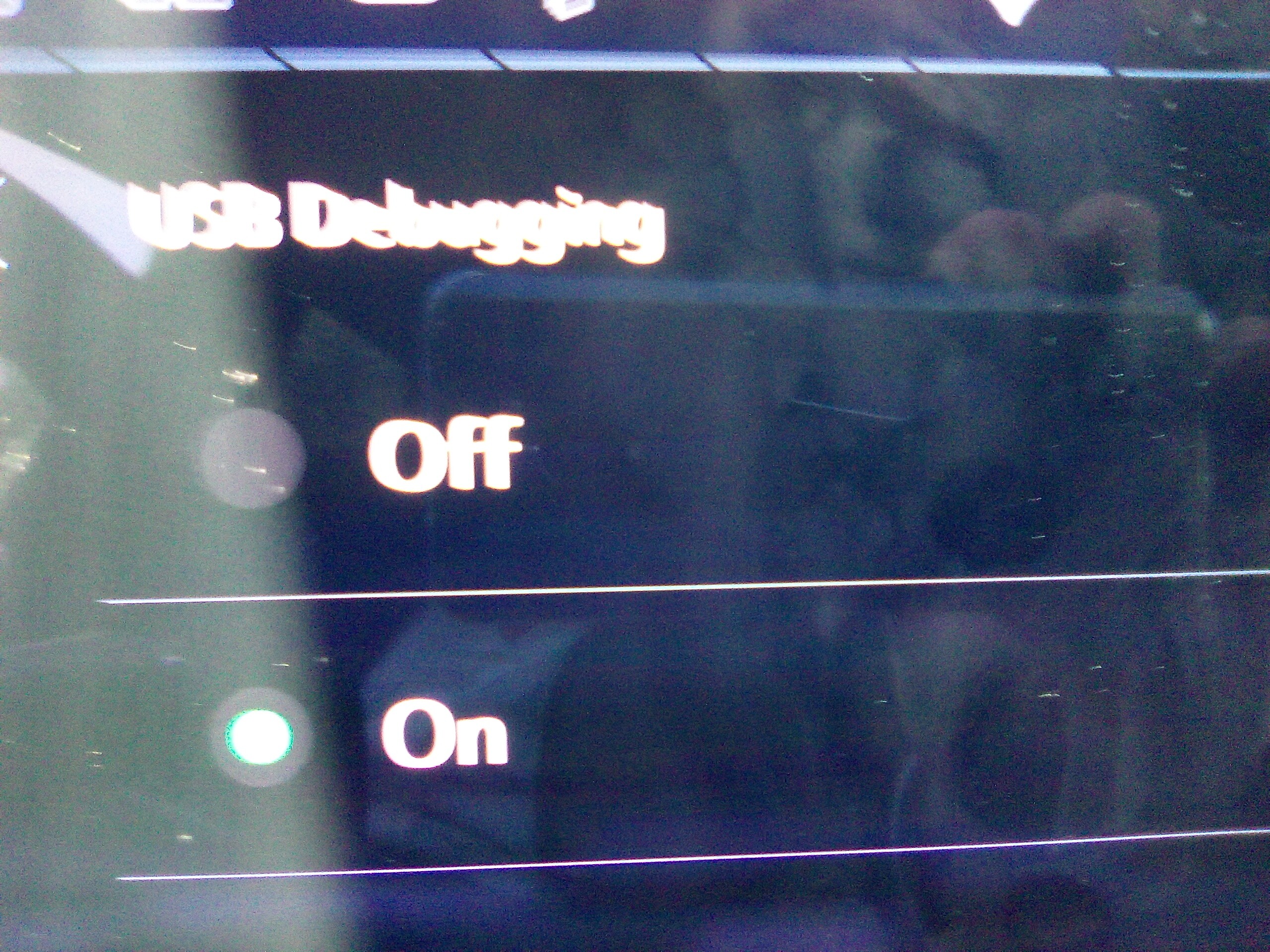
I actually tried recently on a different GM vehicle running android 14 and got dev options, but when enabling USB debugging it switches right off. Anything else I can try?
I don’t wanna brick a DENALI…
google play store with a heavily curated list of approved apps - recently they started being a tiny more permissive, allowing youtube and chrome while parked (until now these apps could not be installed at all). there is no carplay or android auto (by design).
car cannot connect to wifi, although can provide hotspot which other devices can connect to. vehicle data is cellular (at&t via onstar). the two center console usb-c ports have otg (and serial) access to infotainment system, but no adb access. read somewhere on the chevy ev forums that someone did a teardown and discovered that there is adb access using a custom port adapter somewhere behind the screen if you pull the system apart. i did not find documented anywhere anyone who successfully sideloaded apps this way or even got a working adb terminal.
Equinox EV does not switch right back off, developer options stays on, but there is no easy access to an adb enabled usb connection.
Don’t have time to list all the things I’d try, but start Android Auto with something connected and see if you can connect over wifi (give it a hotspot) adb connect IP:5555 , it may have ro.secure 0 and will connect if they were stupid.
I’d just keep trying some sorta variations of this, among other things.
Ev is not the same. Regardless, it does not seem to work anymore. However, now that it natively supports chrome, TAG needs to get work. Same thing they did with tesla…