where can i see the code?
Then search for SK Music
Here is a direct link
tap download
innertube requests song and gets returned a scrambled link (depending on client used)
my cipher deobfuscates it (if needed)
app downloads with a normal web request
Yeah I know
Windows be gone
1 Like
Even if you get your filter to allow YouTube, it still won’t be practical, because it won’t play if you change app or close your phone.
But at least something we have.
Really? I made a shortcut to the home screen on my iPhone, so that it looks like an app, but is running a webview orientation. Would it still cut playback if I left the SK Music screen, or shut my phone just because it’s pulling from YouTube in th background?
Yup, this is what I experienced. I tried adding some workarounds like playsinline=1 and Page Visibility API but that didn’t help much it only made that it fires immediately, auto-resuming the music right where I left off.
btw to fix that on windows I have made a desktop app…
but not for IOS
I think it’s not possible to get it work on iOS.
SK Music now plays in the background on iOS — here is what changed
 https://skmusic.jacob-dcd.workers.dev
Good news for iPhone/iPad users: SK Music finally stays playing when you switch apps, lock the screen, or use the device for something else.
What the problem was
Until now the player relied on the embedded YouTube IFrame API. That worked in the browser, but iOS/Safari does not let an embedded YouTube player continue in the background. As soon as you left the app the music stopped, and sometimes tracks would skip entirely because the IFrame API would time out and the fallback stream was blocked by the PWA’s CSP.
What changed
The app now downloads the actual audio track from YouTube and plays it through the PWA’s own <audio> element, instead of embedding YouTube’s player. Because the audio file is a real media file — not an iframe — iOS treats it like any other music app and keeps it playing in the background.
How it works (technical overview)
- The PWA requests audio from the Cloudflare Worker at
/stream?v=VIDEO_ID. - The Worker first looks in a Cloudflare R2 bucket (
sk-music-audio).- If the song is already there, it serves the cached M4A file directly, with
Range/206support for scrubbing and no delays. - If it is not cached, the Worker fetches a Vercel backend that runs
yt-dlpto extract the audio URL, streams it, and simultaneously writes a copy to R2 in the background.
- If the song is already there, it serves the cached M4A file directly, with
- Vercel uses
--load-info-jsonso YouTube is only queried once per song, and a proxy/cookie setup to avoid the “Sign in to confirm you’re not a bot” errors. - The PWA’s Content-Security-Policy was updated to allow media from the Worker/Vercel stream origins, so the fallback audio is no longer blocked.
Difference from the original Shalom-Karr/SK-Music
- The original version depends on the YouTube IFrame API for playback. When that API is unavailable, blocked by a web filter, or restricted by iOS background rules, the song stops or skips.
- This version removes that dependency for the actual audio: the audio is downloaded as an M4A file and served from Cloudflare R2. The YouTube video data is still used for metadata/artwork, but playback is handled natively by the PWA.
What is live now
- Cloudflare Worker:
https://skmusic.jacob-dcd.workers.dev - Vercel stream backend:
https://ios-sk-music.vercel.app - The songs in the current playlist are already cached in R2.
- New songs will cache on first play; after that they are served instantly from R2 and work in the background.
One thing to keep in mind: the very first time a new song is played it may take a few seconds to download and cache. After that it is instant and background-capable.
Let me know how it was!
Source Code
Here is the source code for all those that want!
5 Likes
Nice - Its a bit slow to start but if it works on IOS it works
@Shalom_Karr i added to the iOS - skmusic version that by tapping the sections title like ‘latest releases’ should create a queue of all the songs and albums in that section,
Thought it’s a great feature to add to the official sk music.
Check it out on https://skmusic.jacob-dcd.workers.dev/
Checkout forked repo feat(ui): make album rails open a playable queue of all tracks · etatrackcustomerservice/SK-music-ios-new@492913e · GitHub
Appreciate it but no, I’m not merging this.
Think about what actually happens: someone taps “Latest Releases” because they want to see the releases. Instead their queue gets wiped and a random song starts blasting. Nobody expects a title to do that. No app does that. Titles are for opening the list, that’s it. And you underlined it, so now it looks even more like a normal link people should click. Great.
Also I read the code. You’re regexing my rendered HTML out of the markup to figure out what’s in the section. I change those all the time. The first time I touch one this just stops working, quietly. And on album rails you’re fetching every album’s tracklist because someone tapped a heading.
If “play the whole section” is worth doing it gets an actual play button on the header, reading from real data. Not this.
Besides… @ars18 is putting out Zemer Radio soon which I am going to hopefully implement when I have time which will change some structures
1 Like
Was the desktop app ever released, and if yes where is the link to it?
Yes - its on github releases
1 Like
Thanks for noticing — changed on the iOS version.
I opened a pr from upstream to your github repo with a bunch of my changes fixes and tweaks - you need to test though
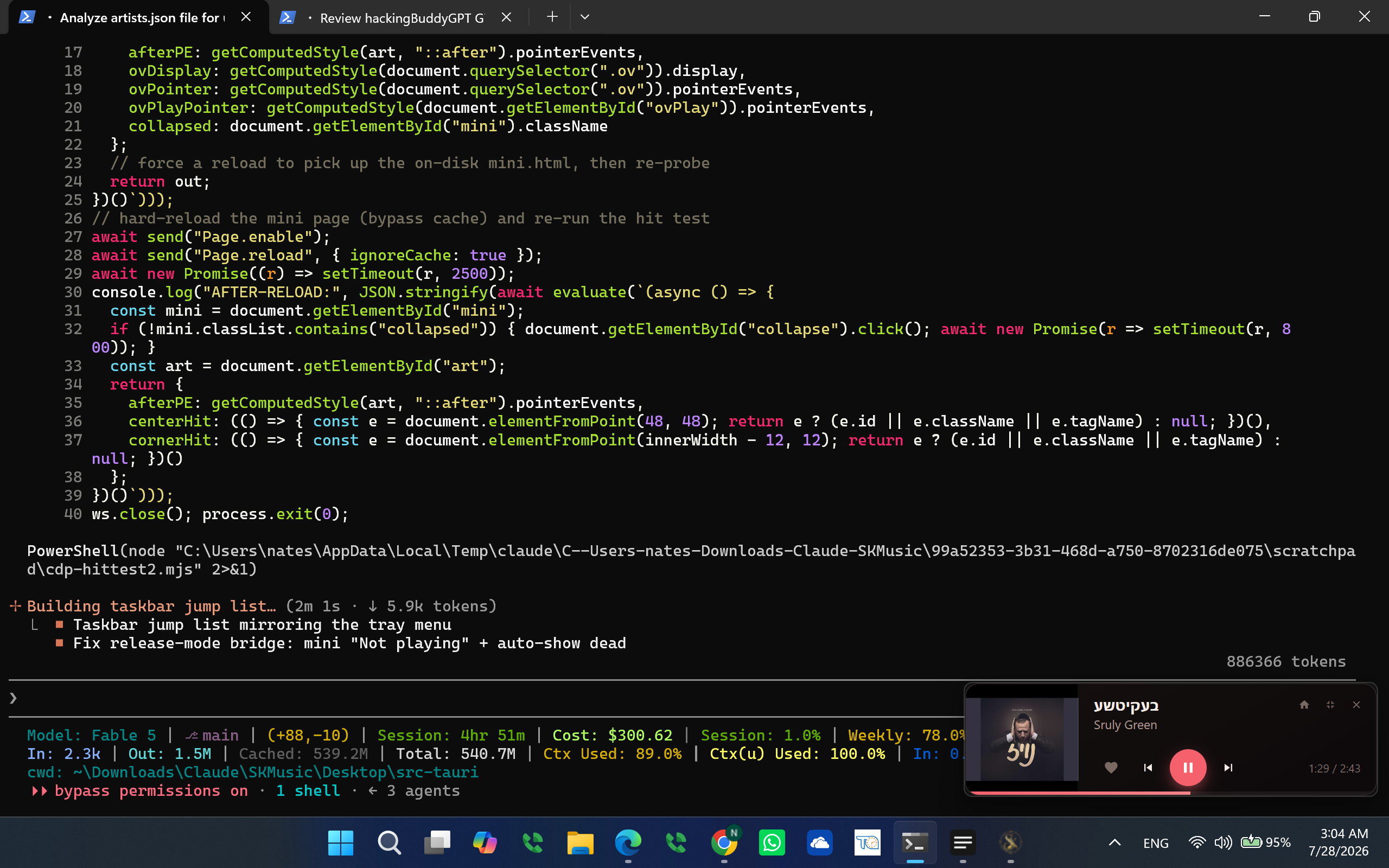
Thank you for the desktop app. I noticed a bug, when dragging the main player on the screen, the mini player pops up for a second and goes away.