SpeakInk: Transcribe Yiddish instantly

Just released the preview of the SpeakInk instant Yiddish voice-typing app for Windows, through Yiddish Labs

This enables you to type Yiddish, English, and Loshon Hakodesh simply by speaking โ€” directly into any app.

To download the preview program, click here.

To watch a video on how to use SpeakInk, click here.

You can get 2.5k free credits by using my referral link

SpeakInk Yiddish Voice Typing

wow nice!

Itโ€™s free to use during this preview phase if you have an Yiddishlabs account.

I just tested it and it is Wow.

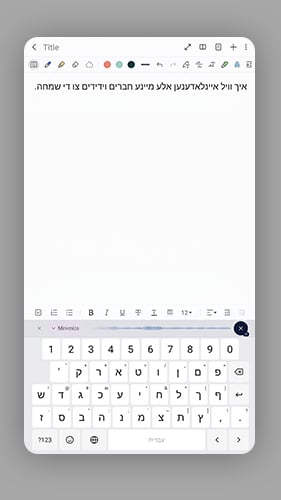
All of the below was typed with my voice in Yiddish

ืื™ืš ืจืขื“ ื™ืขืฆื˜ ืืจื™ื™ืŸ ืื™ืŸ ืื™ื“ื™ืฉ ืฆื• ื˜ืขืกื˜ืŸ ืื•ื™ื‘ ื–ื™ื™ ื•ื•ืขืœืŸ ืืœืขืก ื’ื•ื˜ ืื•ื™ืคื˜ื™ื™ืคืŸ. ื’ืืจื ื™ืฉื˜ ื•ื•ืืก ื“ื• ื–ืขืกื˜ ื™ืขืฆื˜ ืื™ื– ื’ืขื•ื•ืืจืŸ ื’ืขื˜ื™ื™ืคื˜, ื ืืจ ืกโ€™ืื™ื– ื’ืขื•ื•ืืจืŸ ืืจื™ื™ื ื’ืขืจืขื“ื˜ ืื™ืŸ ืžื™ื™ืŸ ืœืขืคื˜ืืค. ืื•ืŸ ื’ืขื•ื•ืืจืŸ ื’ืขื˜ื™ื™ืคื˜ ืื•ื™ื˜ืืžืื˜ื™ืงืœื™.

ืื™ืš ื’ื™ื™ ืื•ื™ืš ืคืจื•ื‘ื™ืจืŸ ื™ืขืฆื˜ ืฆื• ืจืขื“ืŸ ืื™ืŸ ืœืฉื•ืŸ ืงื•ื“ืฉ.

ืžื•ื“ื” ืื ื™ ืœืคื ื™ืš ืžืœืš ื—ื™ ื•ืงื™ื ืฉื”ื—ื–ืจืช ื‘ื™ ื ืฉืžืชื™ ื‘ื—ืžืœื” ืจื‘ื” ืืžื•ื ืชืš.

I use this daily and really enjoy it.

thank you for the 2 users that signed up with my link.

Who released?

A yingerman from Skvere.

He made SafetmMind, PointFlow AI, Yiddish Labs and now SpeakInk.

There is an interview with the founder of SpeakInk, Yiddish Labs and PointFlow AI in the Yingerman magazine.
Here is the link.

As per the founder, they are working for an app on ios and on android.
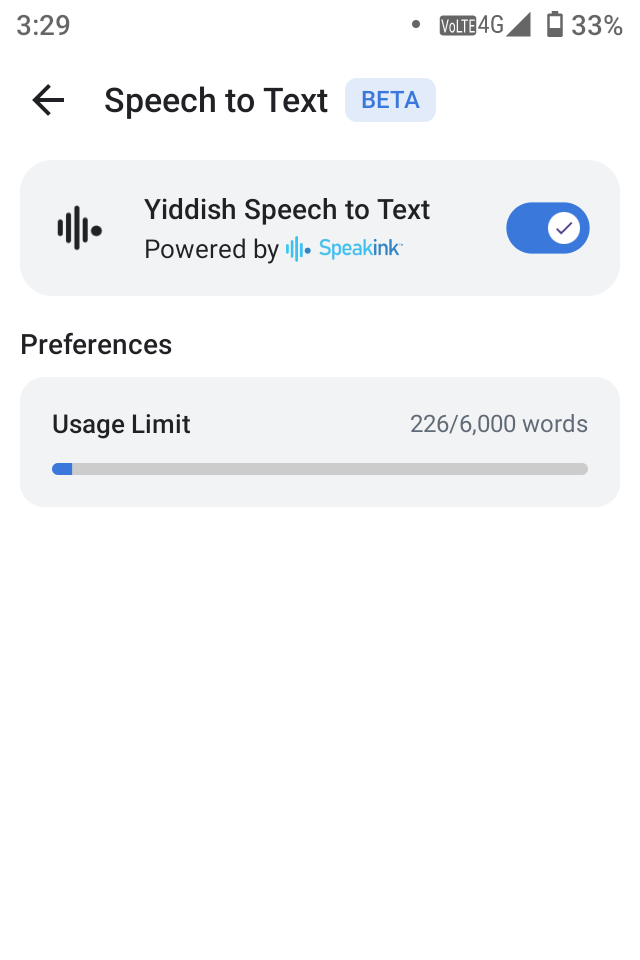
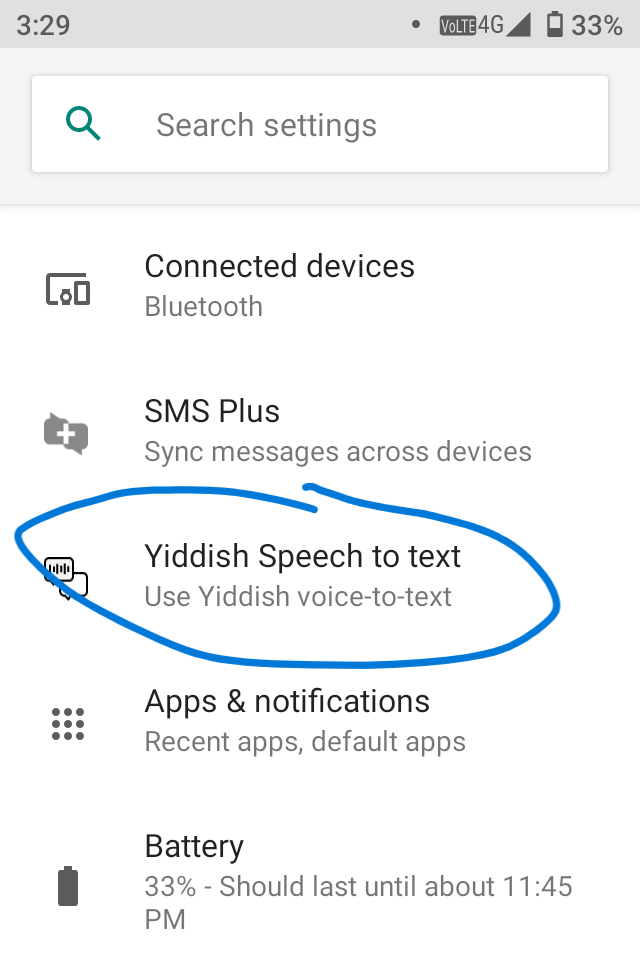
Beta testers on the Pom phone already got the app that allows to transcribe on the phone in Yiddish. This is massive news for people that text or write a lot in Yiddish!


Does it support audio files?

Yes, through his Yiddish labs website.

They released an app for iOS and is ready for testing.

I am not affiliated with them at all.

Not an ad, and I do not make money from this as per the ad guidelines.
I just think that the users might appreciate it.

The Android keyboard is now live on the Play Store:

It is a full-featured keyboard with spell-checking and suggestions for both Yiddish and English. Naturally, it also supports speech-to-text for both languages.

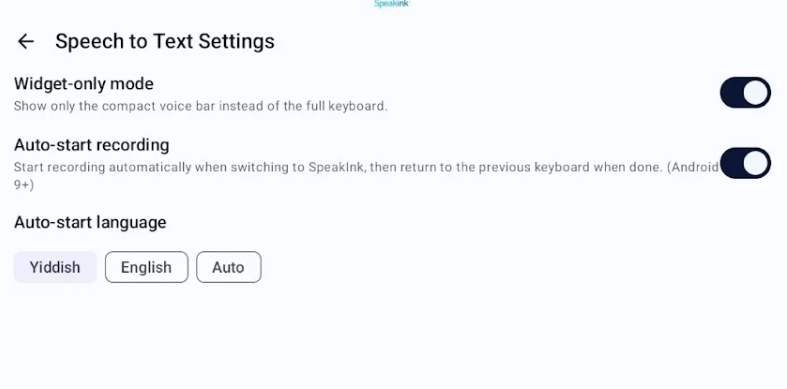
For those who wish to keep using their current keyboard (such as Gboard, etc.) but only want to use the speech-to-text feature, there is an option to set it to โ€œWidget-only mode.โ€ This launches the speech-typing interface when you switch to the Speakink keyboard, and automatically reverts to your previous keyboard as soon as you finish speaking.